

That Computer Isn't Really Yours
Got a work laptop? As cool as it might feel to be gifted (not really) a computer for work-related stuff that you can bring home, don't be fooled—that machine isn't actually yours. And yet, the more time you spend with it, the more the line can blur, and before you know it you're watching cat videos on YouTube during company hours while badmouthing your boss via your work laptop's messaging app. If you get booted from the office, don't say we didn't warn you.

1. Store Personal Photos and Videos
If you take photos for work, you might later on get so used to uploading your pictures that you even start to sync your personal files on there, too. But remember: you're handling company property. Any files that aren't for the public eye may end up in company backups and may even be seen by your colleagues.

2. Log Into Personal Banking Accounts
Just a quick peek, you tell yourself; you'll log in and out in a jiffy. But while checking your account balance might seem harmless, entering sensitive financial credentials on an employer-managed computer is a major no-no. You don't want anyone potentially gaining access to your bank cards, after all.

3. Save Personal Passwords in the Browser
Saving company-issued PINs and passcodes is one thing, but your personal passwords? Write those down on a separate notepad (or on your personal device)—don't store them in your work laptop. Saved credentials could get mixed into a company-managed browser profile or synchronization system if you're not careful.
4. Download Pirated Movies, Games, or Software
What are you doing downloading illegal content during company hours, and on top of that, on a company laptop? Beyond the obvious consequences, clicking links to unofficial downloads is a surefire way to encounter malicious files. Put your company's data at risk, and you can kiss your job goodbye.

5. Install Whatever Software You Want
Even if it's a reputable program and it makes your job easier, downloading unapproved software can still land you in hot water. If you absolutely need it for a specific task and nothing else can achieve something similar, request it properly with the appropriate department first.
6. Disable Security Software
Does your work laptop come with an antivirus program or firewalls installed? Don't touch them or turn them off—you could risk compromising your company's data. Even if the constant notifications and reminders feel intrusive, these sensitive security settings should be left to those responsible for managing them.
7. Use It for a Side Business
It's fine if you run a side gig, but just don't do it on your work laptop or during company hours. No matter how sneaky you think you're being, your company will likely eventually clue into what you're doing. Keep your side business to your personal device.
8. Write Your Résumé for Another Job
Hate your job? So does everyone else. But you still need to maintain an air of professionalism, and that means you should never draft up a résumé on your work laptop. Again, you never know if those files may be automatically backed up or synchronized somewhere you can't see, and once the cat's out of the bag... ooh, boy.
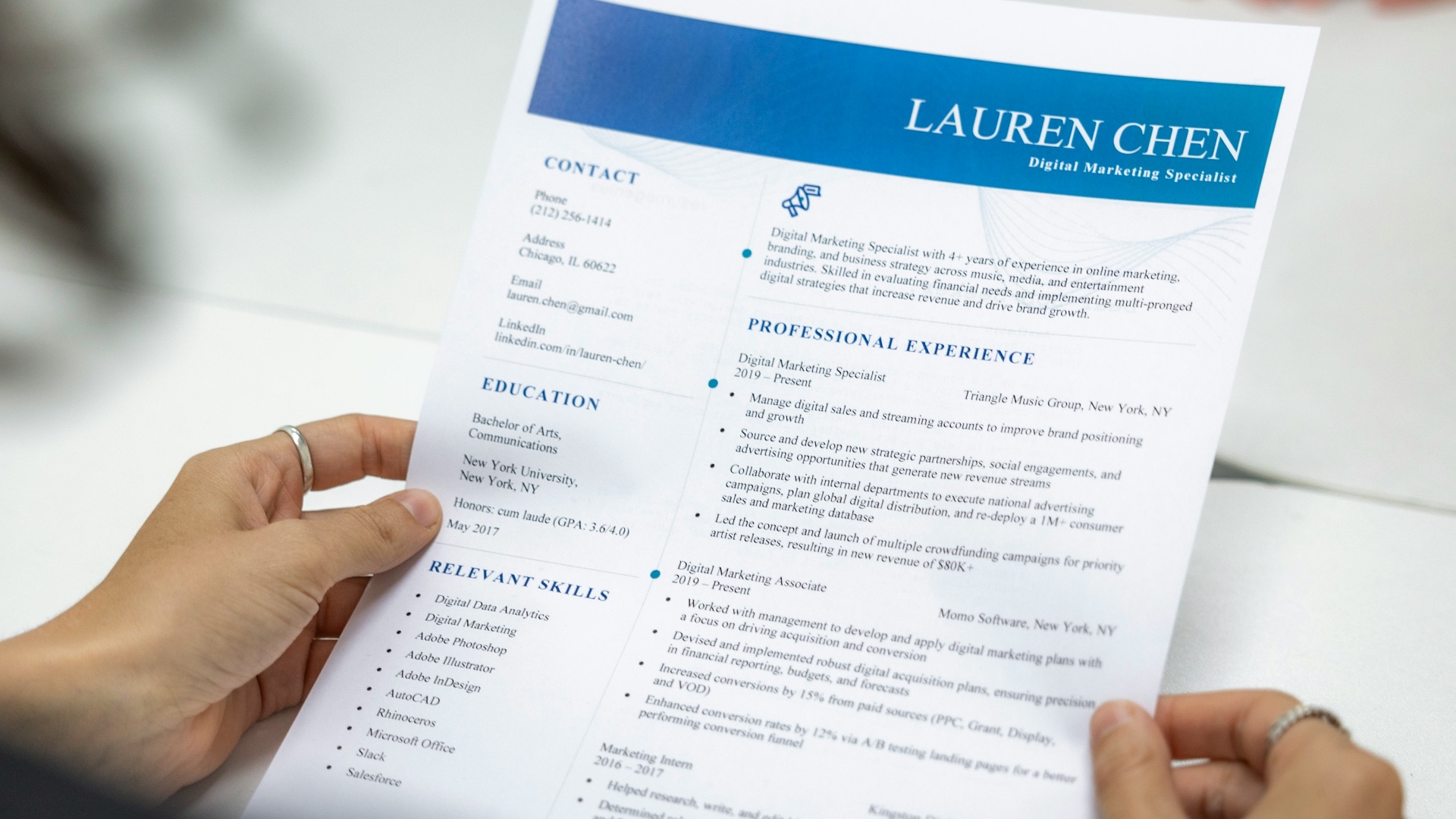
9. Apply for Jobs
If drafting your résumé on your work laptop is bad enough, applying for jobs on the same machine is even worse. No matter how much you'd like to quit and start over somewhere else, be respectful and professional. Use your own laptop.
 Glenn Carstens-Peters on Unsplash
10. Have Extremely Personal Conversations
Sending a quick message to a family member is one thing, but deeply private chats are better kept away from workplace equipment. Even if it seems like those conversations can only be seen by you, you never know if cached information can get left behind. It's a reminder to also never talk badly about your colleagues or supervisors on a company laptop, either.
 Omar Ramírez Vallejo on Pexels
11. Browse Content You Wouldn’t Open at Work
If you wouldn't watch Top 10 Anime Betrayals in the office, don't do it at home on your work laptop. As chill as your boss or manager might be, you're still an employee at the end of the day, so do your job and save the Naruto videos for later.

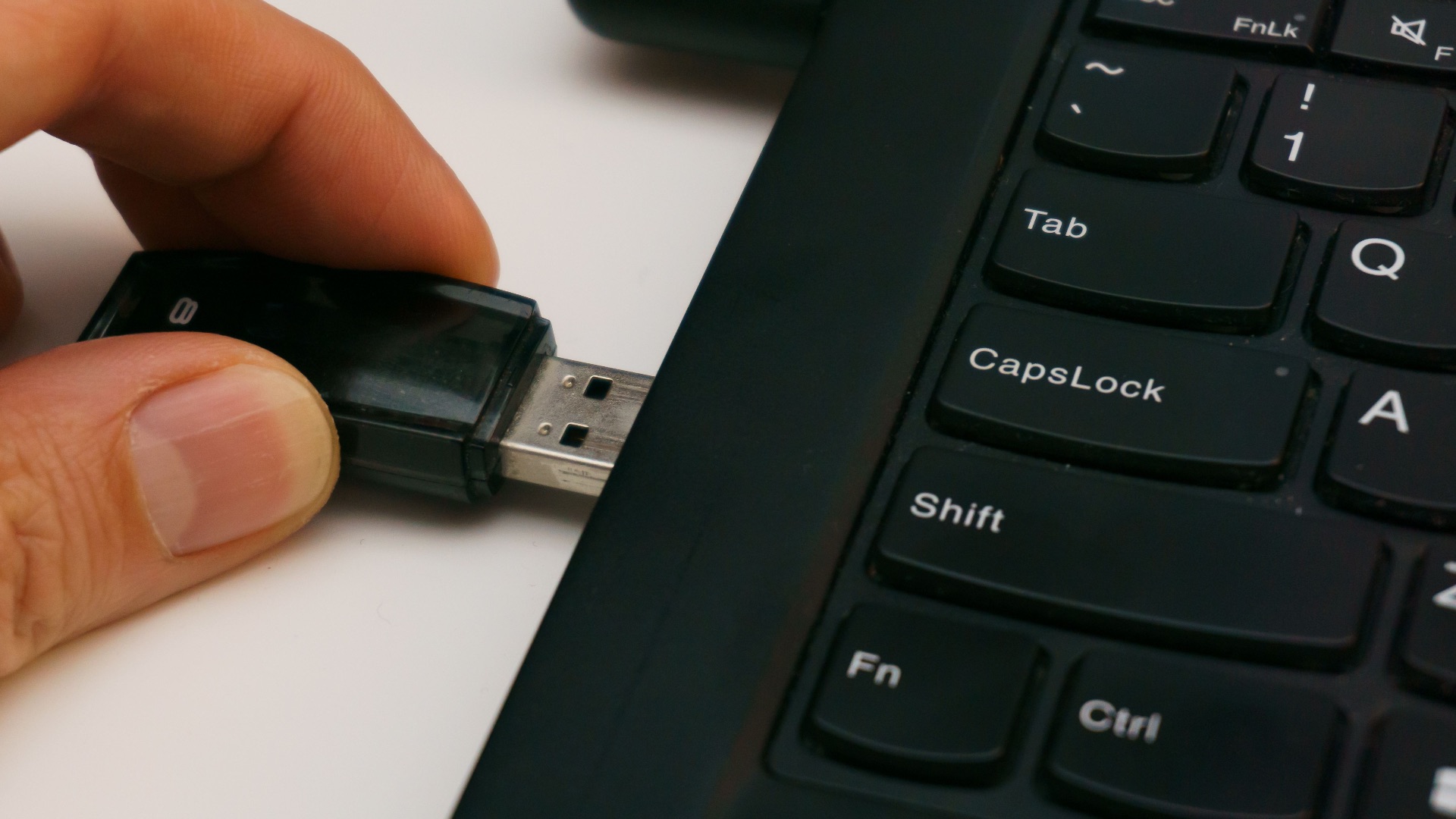
12. Connect Random USB Drives
Found an old flash drive on the floor somewhere? Whatever you do, don't plug it into your work laptop. Don't plug it into your personal device, either. After all, you never know what could be on it, and you definitely don't want to accidentally infect your machine with malicious software.
13. Upload Company Files to Personal Cloud Storage
Just as you shouldn't upload personal files to your company laptop, don't do the reverse, either. Sending a work document to your personal storage account might boost efficiency, but it can create serious security issues. Your employer likely has specific rules governing where company information can be stored and who can access it, so don't disregard their words.
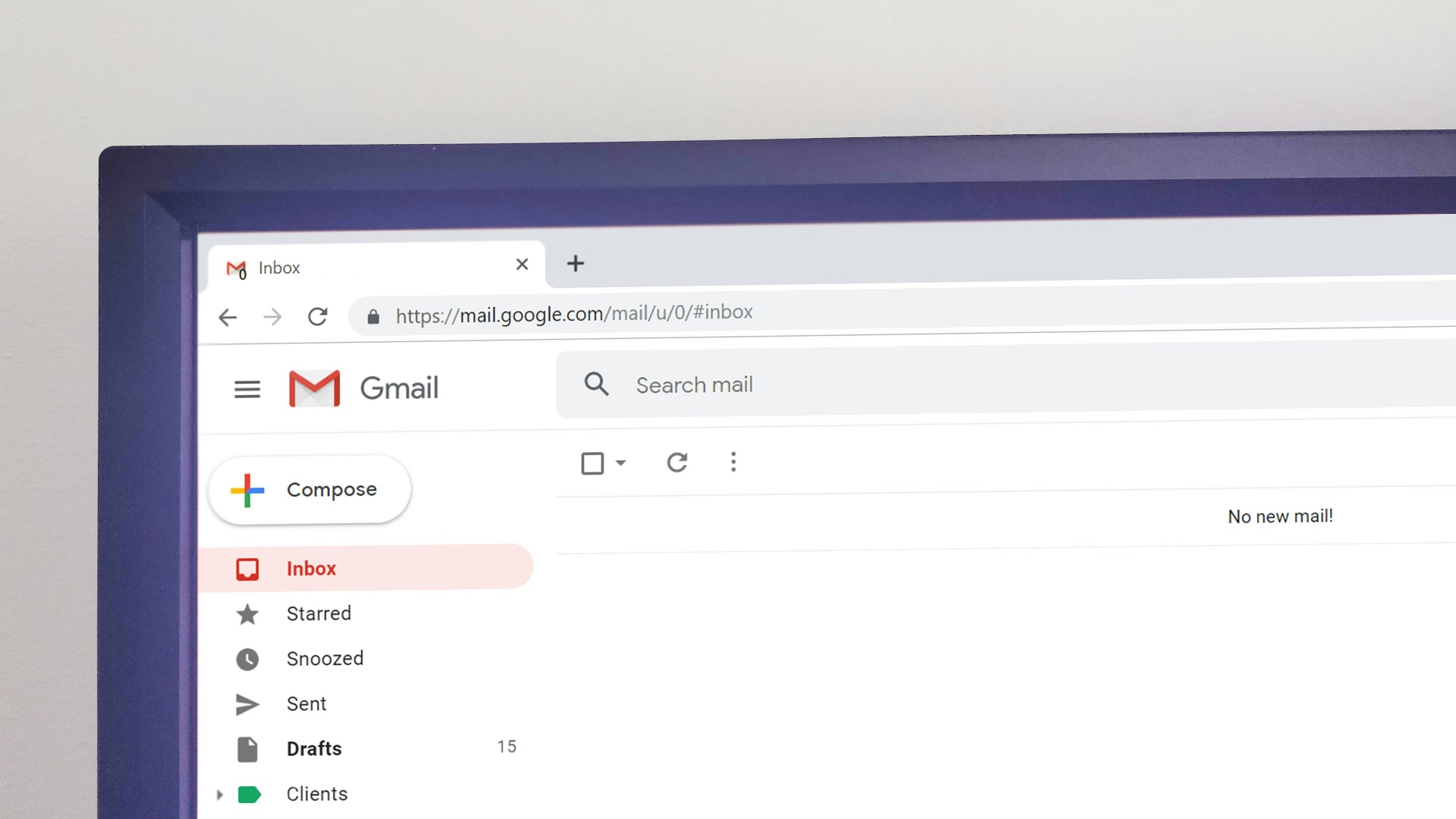
14. Forward Work Emails to Your Personal Inbox
Need to refer back to a work email? You can always come back to it the next day when you clock in, so don't "keep a copy of it" in your personal inbox. Remember, work emails contain confidential information, and transferring it over to an inbox that isn't protected can leak private data.
15. Let Friends or Family Use It
Handing your laptop to a friend or family member so they can quickly surf the web creates more risk than you might think. Even if it's a simple Google search, they could accidentally access confidential files or download something unsafe. Your work laptop is your work laptop, so don't let anyone else touch it.

16. Change Administrative or Network Settings
Remember how we said to never disable security software? Well, similarly, you shouldn't change any security permissions or administrator controls—doing so may mess up the systems your IT department relies on. If an error on your device is interfering with your work and productivity, report the issue. Don't DIY a fix.
17. Connect to Unsecured Public Wi-Fi Carelessly
If you're working abroad or at a public place, make sure to connect to trusted networks or hotspots. Joining a random unsecured Wi-Fi, for example, can allow cybercriminals to hack into your device and gain access to sensitive workplace information.
18. Sync Your Personal Phone Automatically
Connecting your phone for charging is one thing, but you're better off avoiding that. After all, connecting your personal device could trigger automatic syncing and backups, and you definitely don't want your personal files to be saved on your work laptop.
19. Delete or Alter Company Records to “Clean Things Up”
Cleaning a cluttered desktop might be fine, but never, ever remove work files or other records because you think they’re no longer important. Unsure if something can be safely deleted? Ask your supervisor or simply follow your company’s established policies.
20. Assume Anything You Do Is Completely Private
It's easy to get into the habit of treating your work laptop like a personal device, but it's not. Nothing you do on there is ever completely private, as it's tied to company property, so make sure to draw a boundary. Log into it when you clock in, do your job, then switch back to your own laptop once you're off.